Entering "repeats" prompt is FRUSTRATING and doesn't seem to work
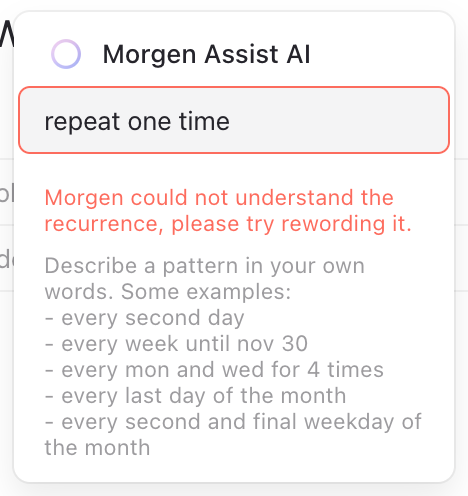
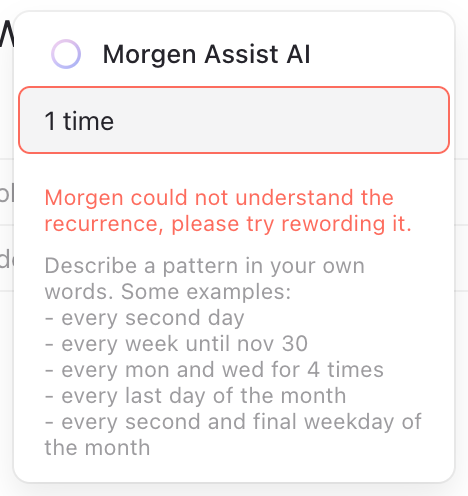
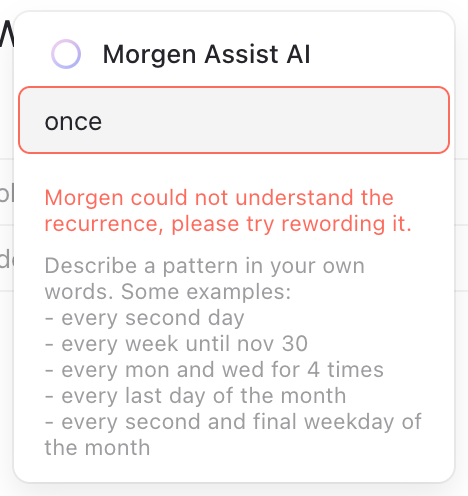
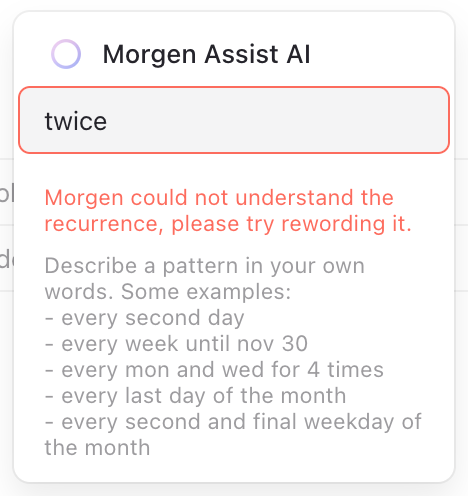
I just spent 3 minutes trying to get Morgen to repeat a meeting for one day. Ultimately, I gave up and just copy-and-pasted the meeting.
Steps to repro:
Create a new meeting or event,
Choose the
repeatsoptionTry any of the following while growing more and more frustrated:
once
repeat one time
for one day
twice
1 day for 1 time
every day for one time
every day for 1 times
Workaround:
- Copy and paste the meeting or event as needed
Desired solution:
- There should be an easy way to click common repeat options, so I don't get blocked by a stupid AI. "Common repeat options" might include:
Every X days for Z times/forever
Every X of the week for Z times/forever
On the Nth day of the month for Z times/forever
- Also, improve the AI so that it can understand simple requests.
Log in to comment and vote
Comments2
Oct 13, 2025
Danny Hatcher (Customer Support)
Oct 13, 2025
Hi Zac, I think there is a misunderstanding here. This field is meant for a recurring pattern like every day, every week, etc..
All the examples you mentioned in your desired solution ("Every X days for Z times/forever", "Every X of the week for Z times/forever", etc.") should be correctly handled because these are proper repeat patterns. These are different than the prompts in your screenshot, which are meant for one-off copy, not a pattern.
For a one-off copies, copy-pasting the event is the way to go.