In Platform, Custom Integration can only be created via URL
In the docs (https://docs.morgen.so/cw-introduction), in step 3 of "Create your first Custom Workflow", it is said that…
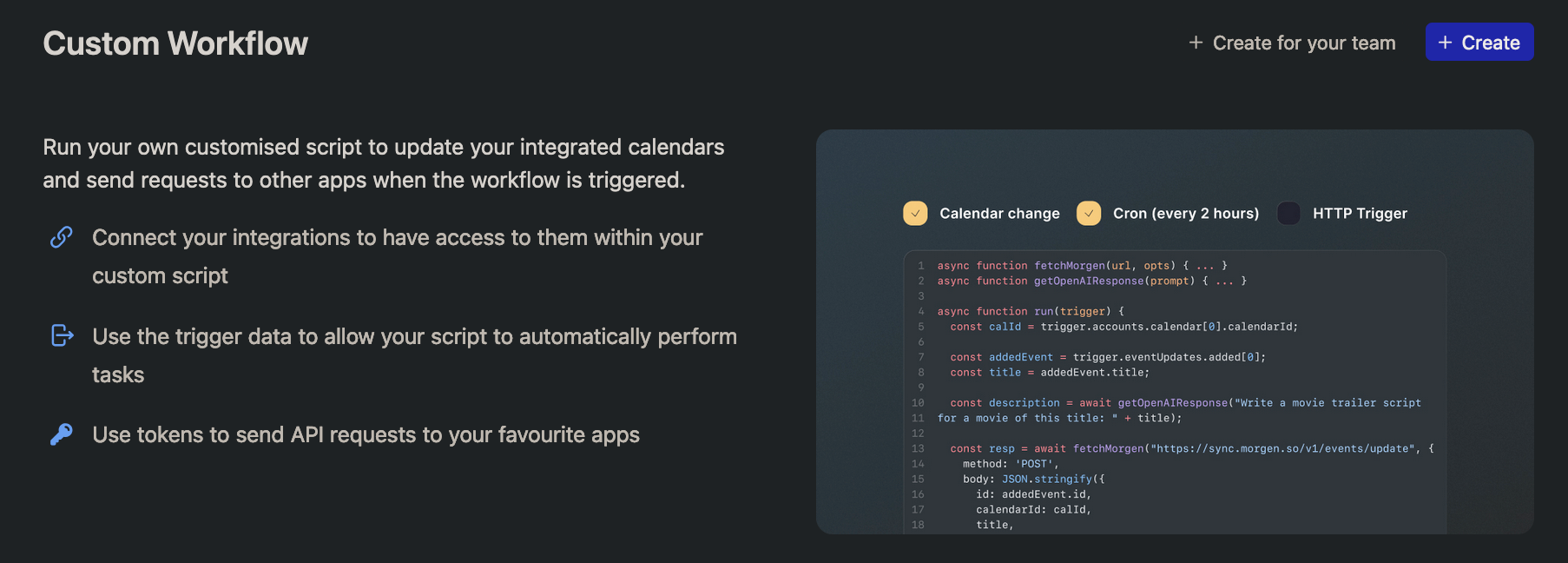
In the workflows gallery, you'll find the Custom Workflow together with the other workflows. Click on create or go directly to the Custom Workflow (https://platform.morgen.so/workflows/custom-workflow/new) create page.
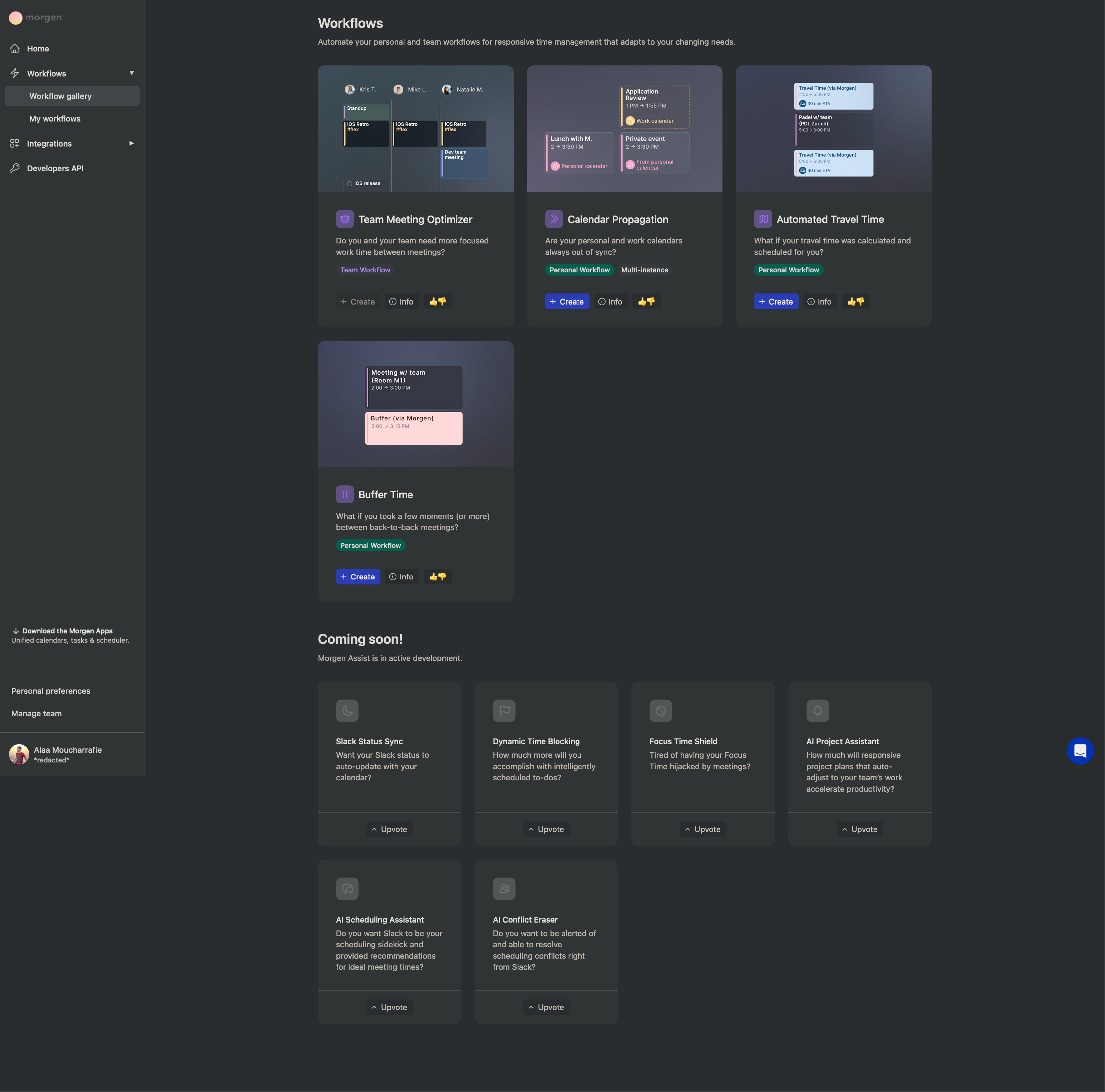
However, In the workflows gallery, I see no mention of "Custom Workflow" (Cmd+F + "custom" yields no results). (pic. 1)
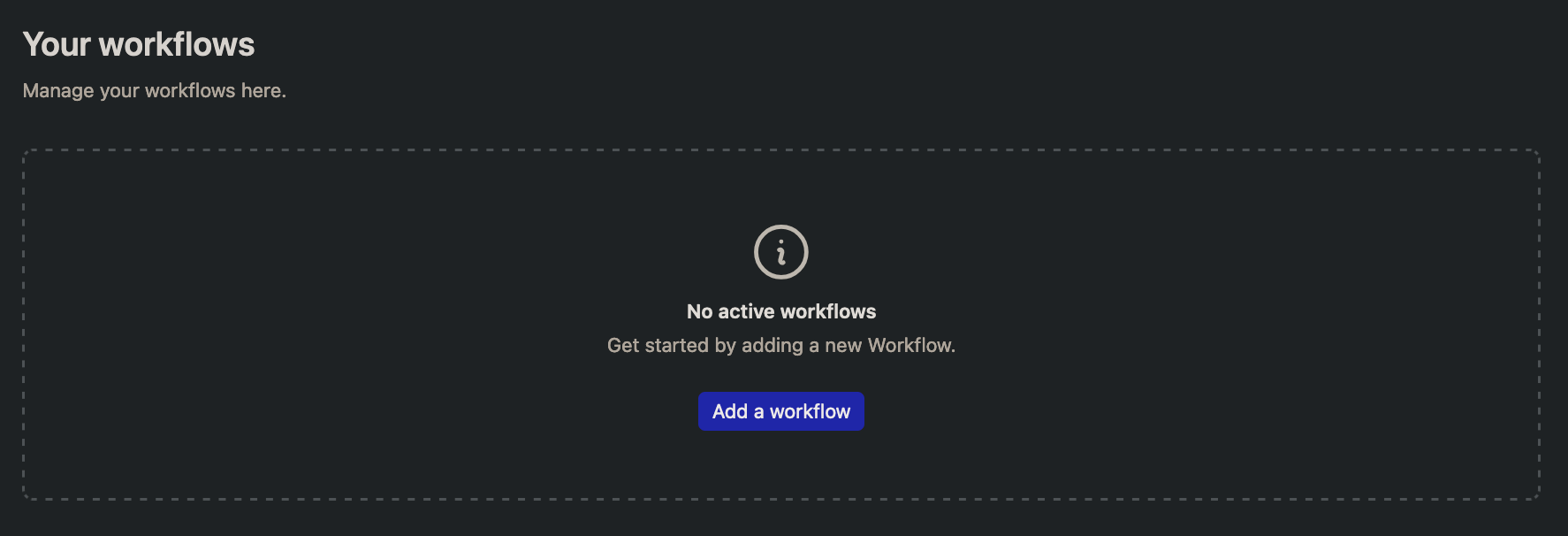
Also, in Platform > Workflows > My workflows, when I don't have any workflows, the only CTA leads me to the gallery, with no way of creating a Custom Workflow from there. (pic. 2)
It is only when I have at least one Custom Workflow that I can see the path to the Custom Workflow info page (https://platform.morgen.so/workflows/custom-workflow) via the (i) info icon, which gives me the option to create another Custom Workflow. (pic. 3)
But to create that first one, one must discover the URL, being the docs page the only explicit reference (as far as I saw).
Thus, either the docs are broken or the workflows gallery is missing an option.
Log in to comment and vote
Comments3
Nov 6, 2024
Nov 6, 2024
Alaa
Nov 6, 2024
Danny Hatcher (Customer Support), I've sent this bug report to connect@morgen.so as well, so this one can be deleted; could you do it for me, please? I don't see the option to do so